
Vendor Invoice Management: How to Stay on Top of Bills and Pay Vendors on Time
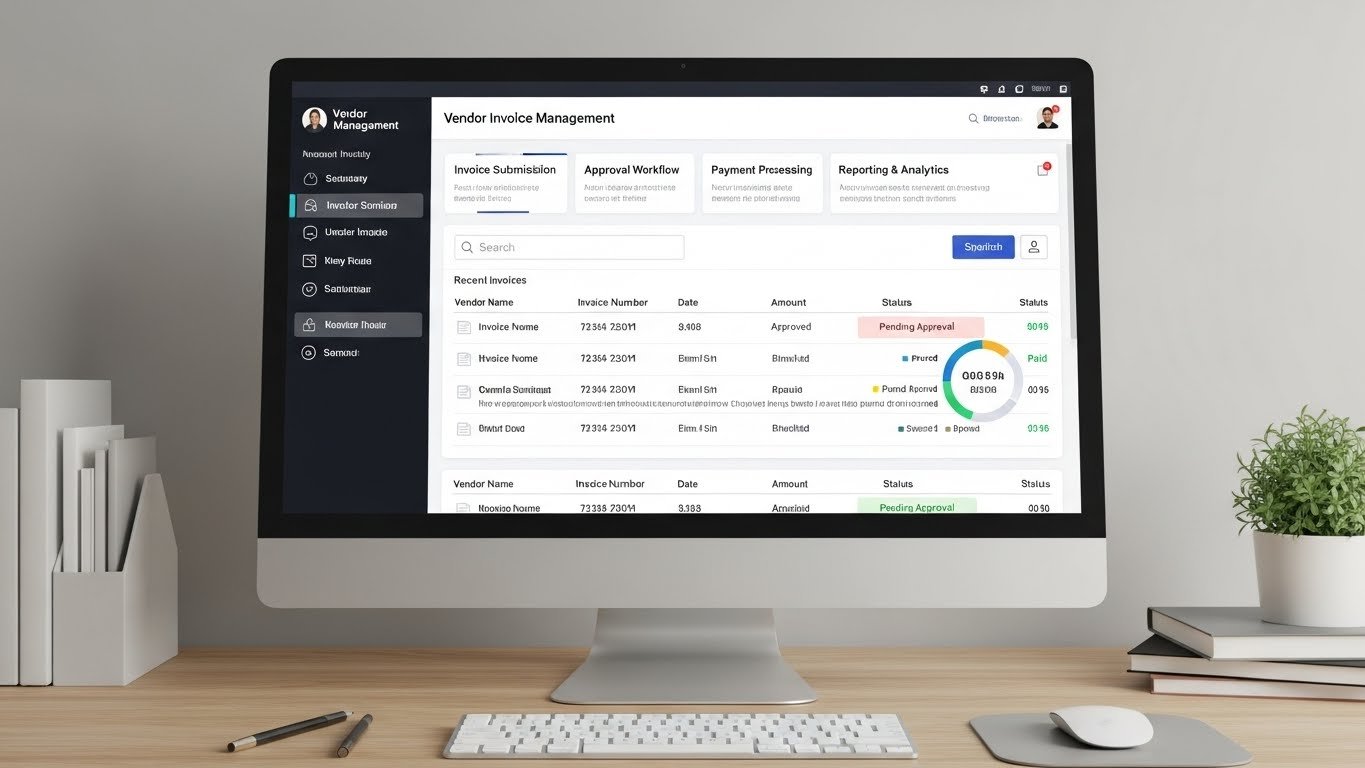
Vendor invoice management sounds like something that belongs in a big corporate finance department. In reality, even a tiny business has some version of it. Every time a vendor sends you a bill, someone has to capture it, check it, approve it, and eventually pay it. The only question is whether that happens in a controlled way or in a last minute scramble.
You do not need a huge accounts payable team to get this right. A few simple habits, some basic structure, and a tool like Invozee to keep your own invoicing organised can take you a long way.
Key takeaways
- Vendor invoice management covers how you receive, verify, approve, and pay invoices from your suppliers.
- A good process protects your cash flow while keeping vendors paid on time and relationships strong.
- Centralising where invoices arrive and using clear approval rules reduces lost invoices and duplicate payments.
- Simple tracking beats “in my head” or buried email threads every time.
- While Invozee focuses on your outgoing invoices, the same clarity and organisation you build there helps you design a better system for incoming vendor invoices too.
- What is vendor invoice management?
- Why vendor invoice management matters for small businesses
- The vendor invoice lifecycle (from inbox to paid)
- Common vendor invoice problems and how to fix them
- A simple vendor invoice management workflow you can start with
- Best practices for vendor invoice management
- How Invozee supports better invoice management overall
- Frequently asked questions (vendor invoice management)
What is vendor invoice management?
Vendor invoice management is the way you handle invoices that come from other businesses—your suppliers, contractors, landlords, and service providers. It covers every step from:
- How invoices arrive (email, portal, paper).
- Where they are stored.
- Who checks and approves them.
- How and when they get paid.
- How they are recorded in your books.
When this process is messy, you end up overpaying, paying late, or making decisions based on incomplete numbers. When it is under control, vendor invoices simply move through a small set of predictable steps.
Why vendor invoice management matters for small businesses
It is easy to think of vendor invoice management as a boring back office task. But it touches three critical areas: cash, relationships, and clarity.
Cash flow
Vendor invoices are money going out. If you pay everything as soon as it arrives, you can strain your cash. If you pay late, you risk fees and friction. A good system lets you balance cash flow and prompt payment.
Vendor relationships
Reliable vendors are hard to replace. Paying them late because an invoice got lost in someone’s inbox can damage trust. Consistent, on time payments make you the kind of customer vendors want to prioritise.
Clarity in your numbers
If you do not know which invoices are waiting to be paid, it is hard to trust your profit and loss statement or your cash forecasts. Clean vendor invoice tracking gives you a clearer picture of what is really going on.
Less stress
It is simply less stressful when you can answer “How much do we owe?” and “What is due this week?” in a couple of clicks instead of hours of digging.
Many small business resources—even general ones from sites like Forbes or HubSpot—repeat the same theme: good payables and receivables habits are just as important as winning new customers.
The vendor invoice lifecycle (from inbox to paid)
Regardless of your tools, most vendor invoices follow a predictable journey. It helps to spell that out.
1. Capture
The invoice arrives—by email, portal, or paper. In a strong process, it is:
- Sent to a dedicated email or upload location (not a random personal inbox).
- Saved in a consistent folder or system.
- Given a basic status like “new” or “awaiting review”.
2. Review and coding
Someone checks the invoice for:
- Correct vendor details.
- Accurate amounts and quantities.
- Match with a purchase order or contract if you use one.
- Proper tax treatment (depending on your country).
They also “code” it—deciding which expense category or project the invoice belongs to. This is similar to how you label line items when you send invoices using a tool like Invozee.
3. Approval
Someone with authority signs off on the invoice. In a small business that might be one founder. In a slightly larger team, you might have simple rules like:
- Invoices under $X can be approved by a manager.
- Invoices above $X need sign off from a director.
4. Payment scheduling
Once approved, the invoice is scheduled for payment:
- On or just before the due date, if cash allows.
- Earlier, if there is an early payment discount.
- In a batch with other invoices to keep admin efficient.
5. Payment and reconciliation
You actually send the money (via bank transfer, card, or another method), and later reconcile the invoice against your bank statement. The invoice status is updated to “paid”.
Common vendor invoice problems and how to fix them
Most vendor invoice headaches come down to a few repeatable issues. The good news is that each has a straightforward fix.
Frequent issues
- Invoices lost in inboxes: Vendors email different people and no one owns the process.
- Duplicate payments: Invoices get paid twice because there is no central record of status.
- Late payment fees: Invoices are approved but not scheduled, and due dates slip by unnoticed.
- Confusing approvals: Team members are not sure who needs to sign off or how.
- Messy records: No clear link between invoices, purchase orders, and projects.
Simple fixes
- Use a single email like accounts@yourbusiness.com for all vendor invoices.
- Keep a shared list or system where every invoice gets logged with a unique ID.
- Decide on one or two approval rules and write them down.
- Run a quick review at least once a week: “What is new, what is approved, what gets paid this week?”
If you already use Invozee to keep your outgoing invoices tidy, you will recognise the same pattern: centralise, standardise, and track.
A simple vendor invoice management workflow you can start with
You do not need heavyweight software to get going. Here is a minimalist workflow that works well for many small teams.
Step 1: Central inbox + basic log
Ask all vendors to send invoices to one address. From there, log each invoice in a simple system (this could be a lightweight tool, or at the beginning even a spreadsheet) with:
- Vendor name.
- Invoice number and date.
- Amount and currency.
- Due date.
- Status (new, under review, approved, scheduled, paid).
Step 2: Weekly review and approval
Once a week, review new invoices. For each one:
- Check details and amounts.
- Confirm you received the goods or services.
- Assign a cost category or project.
- Mark it as “approved” once the right person has signed off.
Step 3: Payment run
On a set day (or days) each week, look at all approved invoices that are due soon. Decide what to pay now based on your cash flow, then:
- Make payments through your bank or payment tool.
- Mark those invoices as “paid” with the payment date.
Step 4: Reconcile monthly
At least once a month, reconcile invoices with your bank statement and accounting records. This is also a good time to talk with your accountant about tax treatment and any differences they spot.
Best practices for vendor invoice management
Once you have the basic workflow down, a few extra habits can make vendor invoice management even smoother.
1. Standardise vendor invoices where possible
Encourage vendors to include the same core fields every time—clear descriptions, dates, and your internal reference numbers. The more consistent the input, the easier your process. If you want inspiration for invoice layouts, you can borrow ideas from your own templates or from guides like Top Free Invoice Templates for 2025.
2. Use POs or simple reference numbers for bigger purchases
For larger or more complex orders, create a simple purchase order or internal reference before the invoice arrives. That makes it easier to match “what we asked for” to “what we are being billed for”.
3. Separate roles when you can
Even in a small team, it helps if:
- One person logs and prepares invoices for approval.
- Another person (or owner) approves them.
- Someone else actually sends payments.
You will not always have three people available, but separating duties where possible reduces errors and fraud risk—a theme you will see in many small business finance checklists.
4. Keep vendor and client processes aligned
The more control you have over your own invoices (outgoing) and vendor invoices (incoming), the easier it is to manage cash. For example:
- Shorten your client payment terms where appropriate.
- Talk with key vendors about payment terms that better match your cash cycle.
- Use tools like Invozee to keep your outgoing invoicing clean so you can have better, more informed conversations about incoming invoices too.
How Invozee supports better invoice management overall
Invozee is designed to help you issue and track your own invoices, but that is only one half of the picture. The discipline you build on the “money in” side carries over to the “money out” side as well.
Clear, reusable invoice templates
On the sales side, Invozee helps you create consistent invoices for your clients. That same clarity is something you can request from your vendors too. When both sides use clean, familiar formats, managing invoices becomes much easier.
If you are still designing your own layouts, start with our guides:
- What’s an Invoice and Why It Matters
- How to Create an Invoice for Freelancers
- Invoice vs Receipt: What’s the Difference
The same principles—clear descriptions, logical structure, sensible terms—apply when you look at vendor invoices too.
Better visibility into cash coming in
Invozee makes it easier to see:
- Which client invoices are open, overdue, or paid.
- How much revenue is expected in the next few weeks.
- Which clients tend to pay late.
When you combine that with a simple vendor invoice log, you quickly get a much clearer picture: “Here is what is coming in, here is what is going out, and here is how much room we have to invest or save.”
Documentation your accountant will actually thank you for
Clean records of outgoing invoices mean one less source of chaos at tax time. Pair that with a straightforward vendor invoice management process and your accountant has what they need without chasing you for missing documents.
Build simple vendor invoice management on top of clear invoicing
You do not need a giant accounts payable system to manage vendor invoices well. Start by making your own invoices clean and consistent with Invozee, then mirror those habits on the vendor side: centralise, standardise, and track. The result is fewer surprises, fewer late fees, and a more confident handle on your cash.