
Tax Invoice Generator for Freelancers and Small Businesses
Published: November 8, 2025
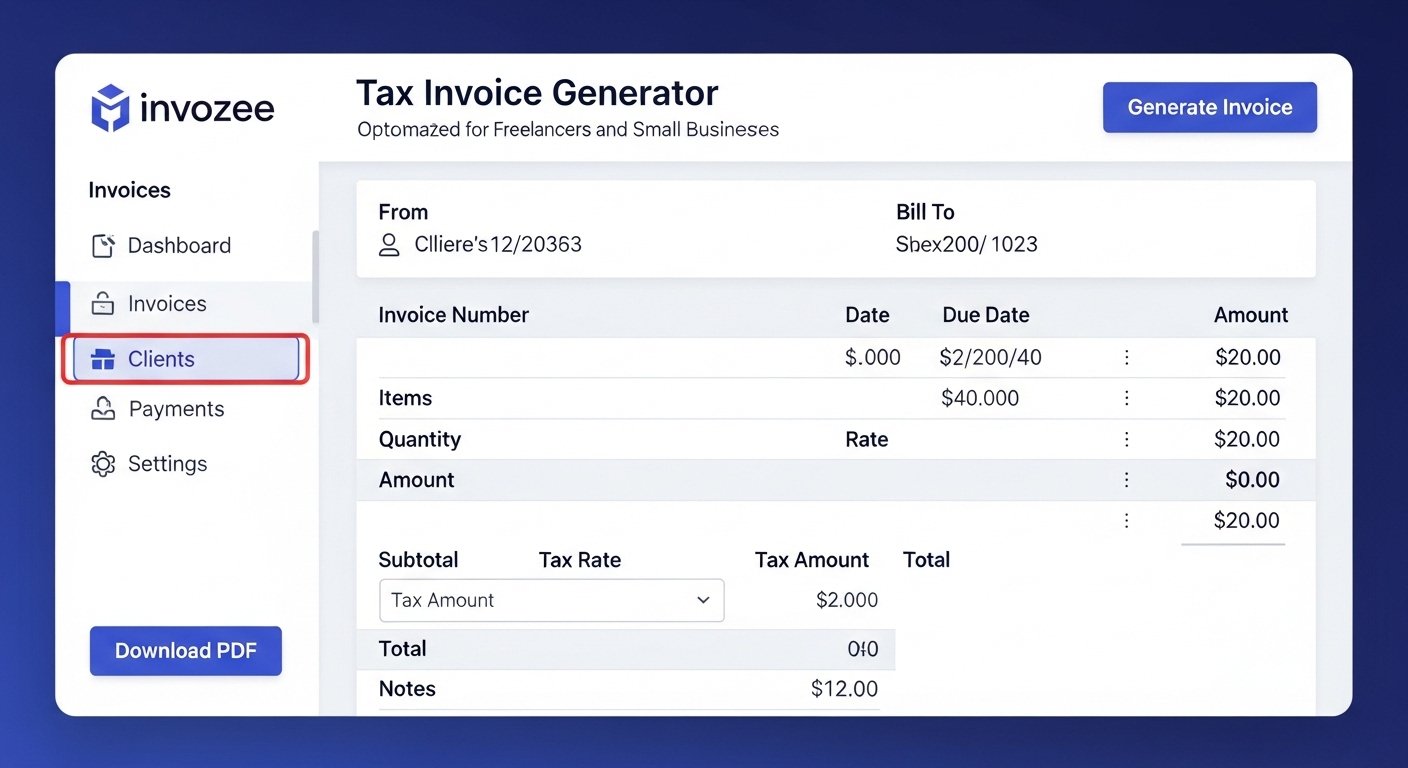
Summary: If you charge GST or VAT you need a clear tax invoice that shows the tax amount and the details required by your local rules. This guide explains what a tax invoice includes, how to format it for faster approvals, and how to create a professional PDF using the free Invozee tax invoice generator.
What is a tax invoice
A tax invoice is an official record of a sale that lists the tax charged on goods or services. Buyers use it to claim input credits and accountants use it to reconcile tax returns. For freelancers and small teams it signals professionalism and keeps your books clean.
What a tax invoice must include
- Your business name address contact and tax registration number
- Customer name and address
- Unique invoice number and issue date plus due date
- Itemized description of goods or services
- Quantity rate and line totals
- Tax label such as GST or VAT tax percentage and amount
- Subtotal tax total grand total and payment terms
How to generate a tax invoice online with Invozee
- Open Invozee and select your currency and terms.
- Add business and client details then insert line items.
- Enter your tax label for example GST or VAT and the rate.
- Preview totals and branding then export your PDF.
- Send the file and record payment once it arrives.
Why Invozee is a smart choice for tax invoices
- Fast setup with a clean professional layout
- Works for one time jobs and ongoing contracts
- Reusable templates so you do the setup once
- Instant PDF generation with consistent formatting
- No sign up required to get started
Examples of tax invoice use cases
Designers and developers who bill per project. Consultants who charge a day rate. Agencies that split projects into milestones. Product sellers who need to show quantity and unit price. In each case a compliant tax invoice keeps the workflow smooth and the client experience clear.
Helpful resources for formatting and follow ups
For layout and document polish explore FormatPilot. To keep payments on track consider DueSignal for reminders that work alongside your Invozee invoices.
Related guides on Invozee
Get the structure right with How to Create an Invoice for Freelancers. Compare paperwork with Invoice vs Receipt. Grab designs from Top 5 Free Invoice Templates for 2025.
Frequently asked questions
Is a tax invoice different from a standard invoice
Yes. A tax invoice clearly shows the tax components and your registration number. A standard invoice may not include tax details if you are not registered.
Can I add multiple tax types
You can label and calculate the tax you need. If your region uses compound or split taxes add them as separate lines and reflect them in the totals.
What number format should I use
Keep it predictable. A common approach is a prefix and a sequence such as INV 001 then INV 002. You can also add year codes for clarity.
Can I create invoices for international clients
Yes. Choose the currency you need in Invozee and adjust tax fields to match your rules. Always include your terms and due date for clarity.
Final thoughts
A clear tax invoice helps you get approvals faster and keeps your records ready for any review. Use the Invozee tax invoice generator to create a compliant PDF in minutes and reuse the layout for your next project.