
Invoice with GST
Published: November 8, 2025
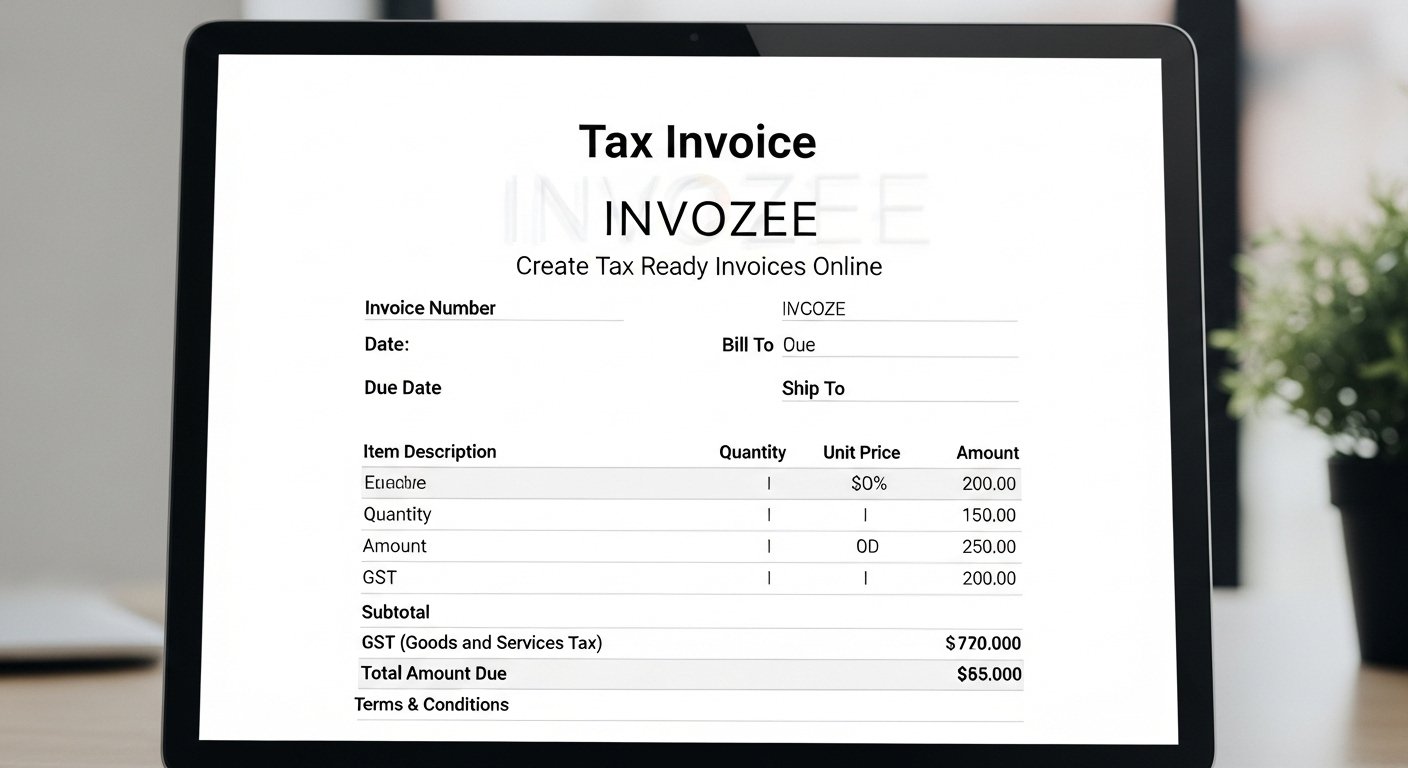
Summary: This guide explains how to create an invoice with GST that clients will approve quickly. You will learn which details are required, how to present tax clearly and how to export a clean PDF with the free Invozee online invoice generator.
What an invoice with GST means
An invoice with GST records a sale and shows the tax charged on goods or services. It confirms your registration status and helps your buyer claim input tax credits where rules allow. It also keeps your records ready for reporting.
Required fields on a GST invoice
- Business name, address and tax registration number where applicable
- Customer name and address
- Unique invoice number and the date of issue plus due date
- Itemized description of goods or services with quantity and rate
- Tax label such as GST the percentage and the amount
- Subtotal, total and payment terms
How to create an invoice with GST using Invozee
- Open Invozee and choose your currency and payment terms.
- Enter business and client details. Upload your logo if you want to show branding.
- Add line items with quantity and rate. Use clear descriptions that match your quote or contract.
- Set the tax label to GST and enter your tax percentage. The totals update automatically.
- Preview and download a professional PDF. Send it to your client and record the invoice number in your books.
Formatting tips that speed up approvals
- Use plain language for service descriptions
- Place totals in the same position on every invoice
- Show a clear breakdown of tax and subtotal
- Add your bank details and payment methods near the total
- Include due date and polite reminders about payment terms
When GST may be zero
Certain supplies can be recorded as GST free or outside the scope depending on your local rules. If a sale is not taxable, state it clearly and keep the supporting documents. When in doubt speak with a registered tax adviser.
Professional resources that help
For polished invoice layouts and document structure ideas explore FormatPilot. To follow up on unpaid invoices in a friendly way consider DueSignal which sends reminders that work alongside your Invozee workflow.
Related guides on Invozee
- How to Create an Invoice for Freelancers
- Top 5 Free Invoice Templates for 2025
- Invoice vs Receipt: What’s the Difference
Frequently asked questions
Do I always need to charge GST
Only businesses that meet registration rules and make taxable supplies charge GST. If you are not registered you do not add GST and should state that clearly on your invoice.
Can I issue a GST invoice to an overseas client
Export rules are different and many exports are treated as GST free. Record the nature of the supply and keep evidence of the transaction.
How do I show GST in the totals
List the subtotal, the GST amount and the grand total. If your prices include GST state that clearly and show the GST portion in the summary.
Is a PDF invoice acceptable
Yes. A PDF invoice is valid when it contains all required information and is issued by the supplier of the goods or services.
Final thoughts
An invoice with GST should be clear, consistent and easy to approve. With Invozee you can create a tax ready invoice in minutes, export a clean PDF and keep your records in order for your next return.