
Invoice for Construction Work — How to Create a Professional Construction Invoice
Published: December 20, 2025
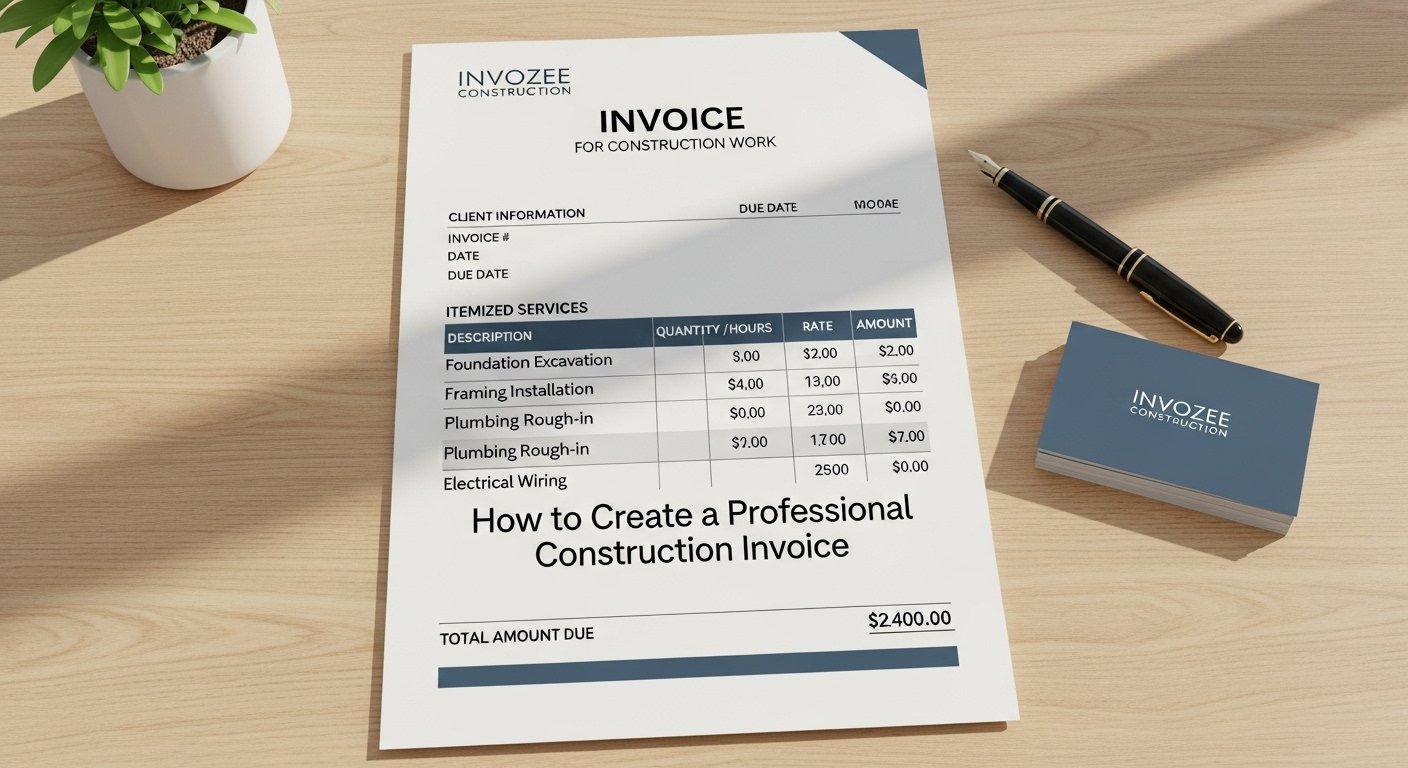
Summary: Learn how to create a professional invoice for your construction projects. Download a free construction invoice template to get started today.
When working in construction, issuing accurate and detailed invoices is key to getting paid on time. A construction invoice is slightly different from other types of invoices due to the complexity of the projects, the variety of services provided, and the involvement of materials and labor. In this guide, we will show you how to structure a construction invoice and provide a free template to simplify the process.
What is a Construction Invoice?
A construction invoice is a formal document that construction businesses use to request payment for work completed on a project. It provides a detailed breakdown of labor, materials, and other costs involved in the construction project, allowing both the contractor and client to keep track of payments and outstanding balances.
What Should Be Included in a Construction Invoice?
Here’s a breakdown of what should be included in a construction invoice:
- Contractor Details: Your business name, address, and contact information.
- Client Information: The client’s name, address, and contact details.
- Invoice Number: A unique number to track the invoice.
- Project Description: Briefly describe the construction project or the phase of work completed.
- Labor Charges: List of workers, their hourly rates, and the hours worked.
- Material Costs: Detailed breakdown of all materials used, including quantity and unit price.
- Additional Costs: Any other additional costs incurred during the project, such as permits or equipment rentals.
- Total Amount Due: The total cost, including taxes and any applicable fees.
- Payment Terms: Specify when payment is due, any late fees, and the preferred payment method.
How to Create a Construction Invoice Online
Creating a professional construction invoice is easy with Invozee. Here’s how you can do it:
- Sign up or log in to Invozee.
- Enter your business details and the client’s information.
- List the work completed and add labor/material costs with quantities and prices.
- Review the invoice and customize it with your business logo and preferred format.
- Download the invoice as a PDF and send it to your client.
Free Construction Invoice Template
To make it even easier, download a free construction invoice template from Invozee and start creating professional invoices in minutes.
Best Practices for Construction Invoices
- Be Clear: Ensure each service and material cost is clearly described to avoid misunderstandings.
- Be Detailed: Include all applicable charges and payments to ensure there are no disputes.
- Use Professional Language: Make sure your invoice looks professional and is free of errors.
Frequently Asked Questions
What should I do if a client disputes the charges on my invoice? You should review the details carefully and communicate with the client to resolve the issue. Keep records of all work completed and expenses incurred.
Can I create a construction invoice on my mobile device? Yes, Invozee’s mobile-friendly platform allows you to create and send invoices directly from your phone or tablet.
Do I need to include taxes on a construction invoice? Yes, taxes should be included according to local regulations. Specify the tax rates and amounts clearly on the invoice.
Start using Invozee today to streamline your construction invoicing process.