
How to Pay an Invoice — A Step-by-Step Guide for Efficient Payment
Published: November 30, 2025
Summary: Learn how to pay invoices correctly and on time, the best payment methods, and tips for avoiding late payment fees.
Paying invoices is an essential part of maintaining good relationships with your vendors and service providers. Timely payments ensure that your business remains in good standing and avoid unnecessary late fees. But how do you go about paying an invoice? In this blog, we’ll explain the different methods available and the best practices to ensure you pay on time.
What is an Invoice?
An invoice is a document sent by a seller to a buyer requesting payment for goods or services. It details what was purchased, the cost of the goods/services, and payment terms (like the due date). Knowing how to pay an invoice correctly helps ensure that you meet your financial obligations and maintain a good credit history.
How to Pay an Invoice?
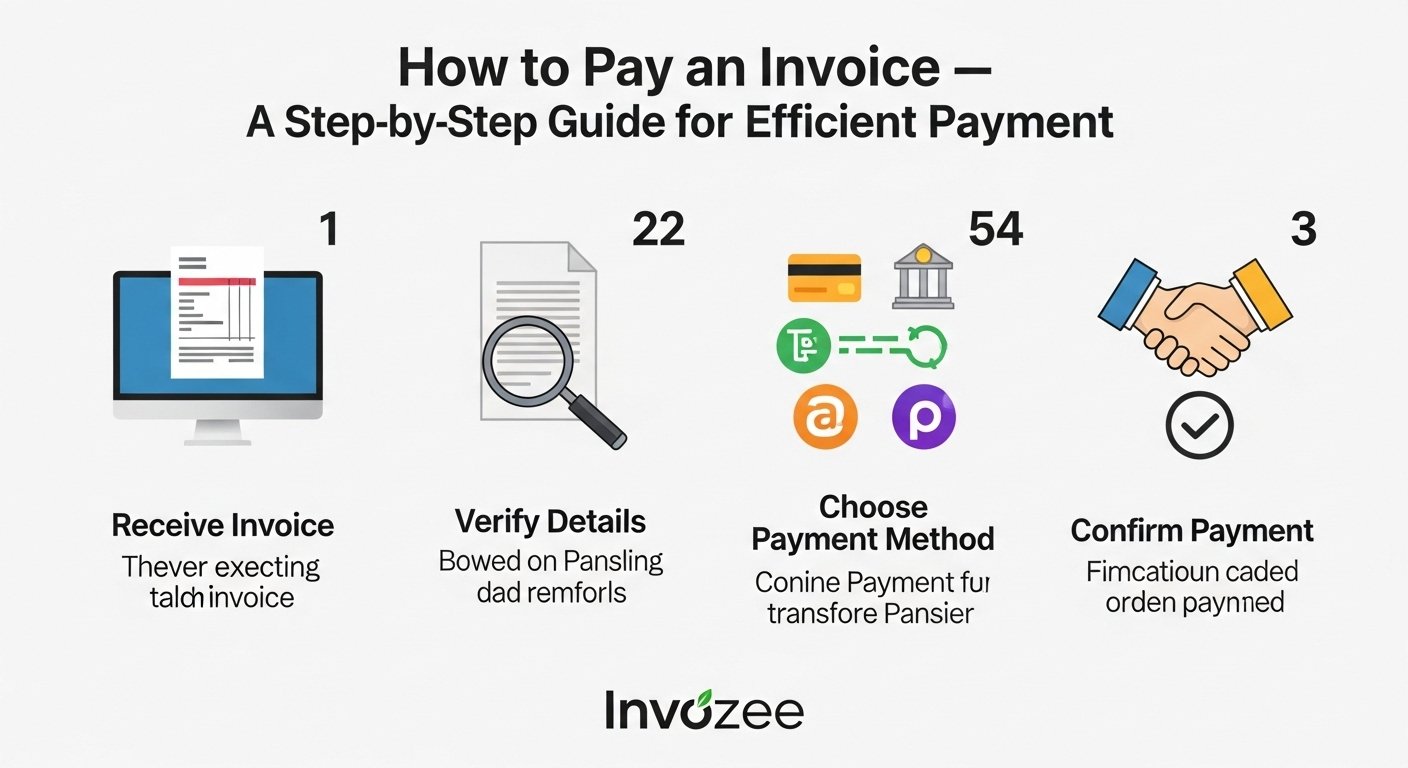
Follow these steps to pay an invoice efficiently:
- Review the Invoice: Check the invoice for any errors or discrepancies. Verify the product/service and the amount due.
- Choose Your Payment Method: Select a payment method that suits you and the vendor (bank transfer, credit card, check, etc.).
- Make the Payment: Follow the payment instructions provided on the invoice or by the vendor.
- Document the Payment: Keep a copy of the payment receipt and any confirmation for your records.
- Notify the Vendor: If required, inform the vendor that payment has been made and request an acknowledgment of receipt.
Common Payment Methods for Invoices
- Bank Transfers: Direct transfer of funds from your bank account to the vendor’s bank account.
- Credit/Debit Card: Fast and secure payment using a credit or debit card.
- Online Payment Platforms: Use platforms like PayPal, Stripe, or Square for quick payments.
- Checks: Traditional but still common, especially for larger payments or business transactions.
- Cash: Physical payments in cash, though less common for business transactions these days.
Best Practices for Paying Invoices
- Pay on Time: Always pay before the due date to avoid late fees and interest.
- Track Your Payments: Use invoicing software like Invozee to keep track of payments and outstanding invoices.
- Set Up Recurring Payments: For regular bills, set up automatic payments to ensure on-time payments.
- Communicate with Vendors: If you can’t pay on time, inform the vendor and ask for an extension or payment plan.
How to Use Invozee to Pay Invoices
Invozee makes it easy to manage your invoices and payments:
- Sign in to Invozee.
- Track your invoices and payments through your dashboard.
- Set reminders for payment due dates to avoid missing them.
- Make payments quickly and securely using our integrated payment options.
Frequently Asked Questions
What should I do if I can't pay an invoice on time? Contact the vendor as soon as possible, explain your situation, and request an extension or a payment plan.
Can I pay invoices using my mobile phone? Yes, many online payment methods like PayPal, Stripe, and bank transfers allow payments from mobile devices.
How do I know when my invoice is paid? Keep track of payments using invoicing software like Invozee, which helps you monitor the status of all your invoices.
Start paying your invoices on time with ease using Invozee.