
Generate Invoice Number with Formats That Scale
Published: October 30, 2025
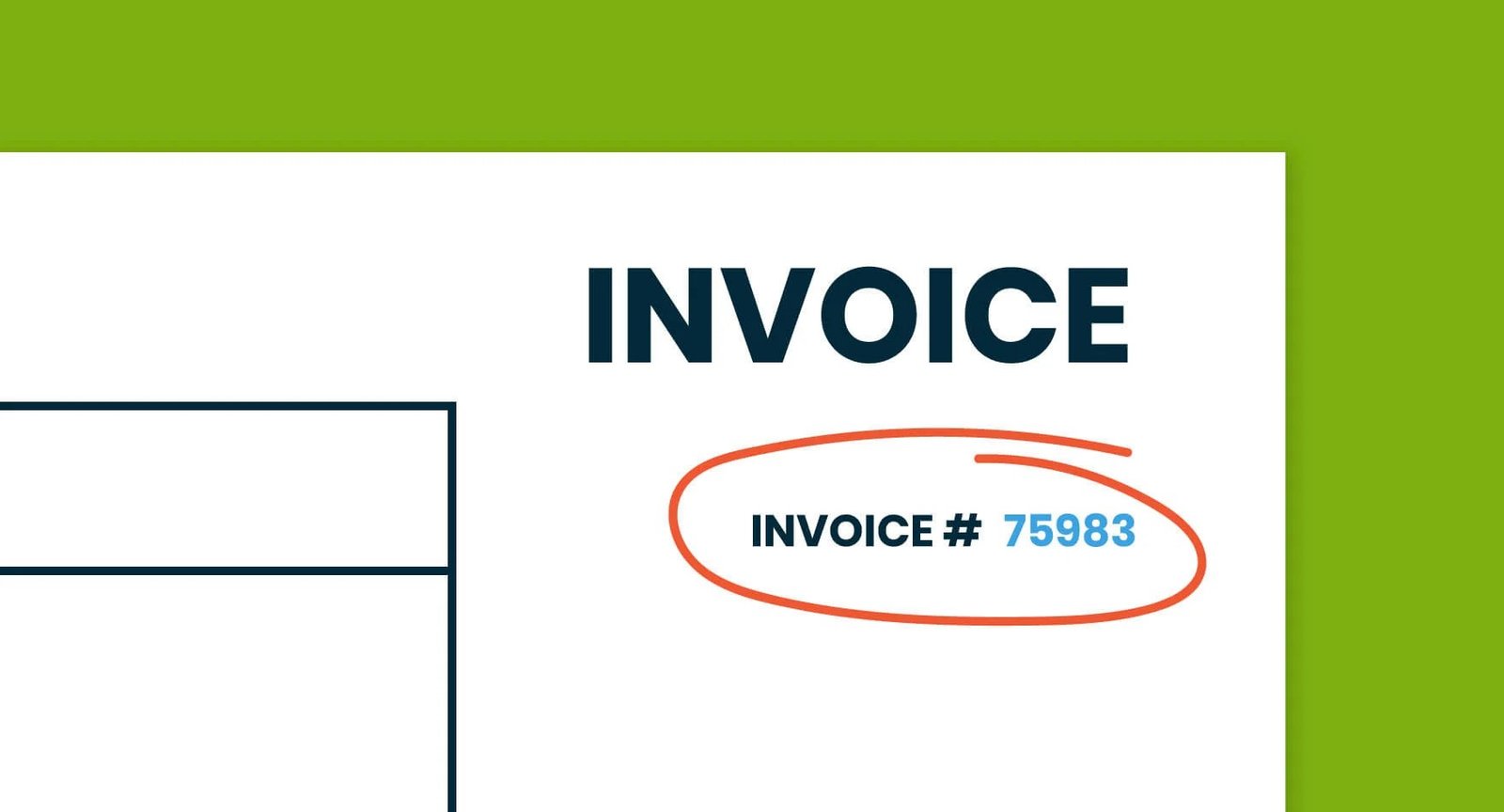
A good invoice number looks simple on the surface. Behind the scenes, it keeps your billing organized, helps clients find the right document, and makes your bookkeeping clean. If your numbering is random or inconsistent, searching and reconciling takes longer than it should. A clear format fixes this and saves time on every invoice you create.
What makes an invoice number work well
Three ideas guide a reliable sequence. Uniqueness to avoid duplicates. Order that is easy to follow. Consistency that holds up when your business grows or when you add new clients and projects.
Simple formats you can start using today
Pick one approach and stick to it. The best format is the one your team can apply without thinking.
- Classic sequence such as INV001, INV002, INV003. This is easy to follow for a single service line.
- Year based such as INV2025-001 and INV2025-002. This makes year end reporting and resets straightforward.
- Client coded such as INV-ACME-004 for a client named ACME. This helps when you handle many accounts.
- Monthly batches such as 2025-10-009. This sorts cleanly in folders and spreadsheets by month.
If you want layout guidance for the rest of your invoice, read How to Create an Invoice for Freelancers. If your customer asks for a receipt instead, Invoice vs Receipt explains the difference so you send the right document.
How to choose a format that fits your workflow
One service line and a small client list
Use a classic sequence. Start at a round number such as INV1001 for a clean baseline.
Growing client list with repeat projects
Use a client code. It improves search and reporting when you filter by account.
Teams that report by month or quarter
Use a monthly format with the year and month at the front. Your folders, exports, and dashboards will align more easily.
Set your sequence in Invozee
- Open Invozee and decide on your format. For example, INV2025-001.
- Type the first number in the invoice number field.
- For the next invoice, increase only the last digits and keep the rest the same.
- Record the last used number in your notes or a simple spreadsheet so anyone on your team can pick up the sequence.
When to reset or roll your numbers
You can keep numbers continuous across years, or you can reset at the start of a new year. If you reset, include the year in the format so duplicates never happen. For long standing clients, some teams also use a fresh sequence for a new contract period. This keeps references tidy in both your system and your client’s accounting.
Avoid these common mistakes
- Reusing a number after a canceled invoice. Mark the number as void instead.
- Changing formats midyear without a clear reason. Switching formats breaks search and confuses clients.
- Using very long identifiers. Keep it readable and under fifteen characters when possible.
Record keeping and compliance
Invoices should be stored in a way that supports accurate reporting and audits. Simple, complete records help you close months faster and answer client questions with confidence. For general guidance on proper invoicing and record keeping, see the IRS invoicing basics. For more formatting ideas that stay friendly to teams and clients, this HubSpot library has practical examples.
Frequently asked questions
What should I do if I accidentally duplicate a number
Mark one of the invoices as void and issue a fresh number. Keep both entries for your records so the audit trail remains clear.
Can I change my format later
You can, but try to do it at a natural boundary like a new year. Communicate the change to anyone who creates invoices so the sequence stays consistent.
Do credit notes use the same sequence
Use a separate prefix such as CN for credit notes. Keeping them distinct from invoice numbers makes reconciliation easier.
How many digits should I use
Three to four digits after your prefix gives room to grow without making numbers hard to read.
Final thoughts
A clear invoice number format pays you back every month. Pick a structure that fits how you work, write it down, and keep it consistent. When you are ready to create your next invoice, use Invozee to keep everything fast, tidy, and easy to track.