
Free Invoice PDF Generator | Free Online Invoice Maker | Invozee
Published: November 14, 2025
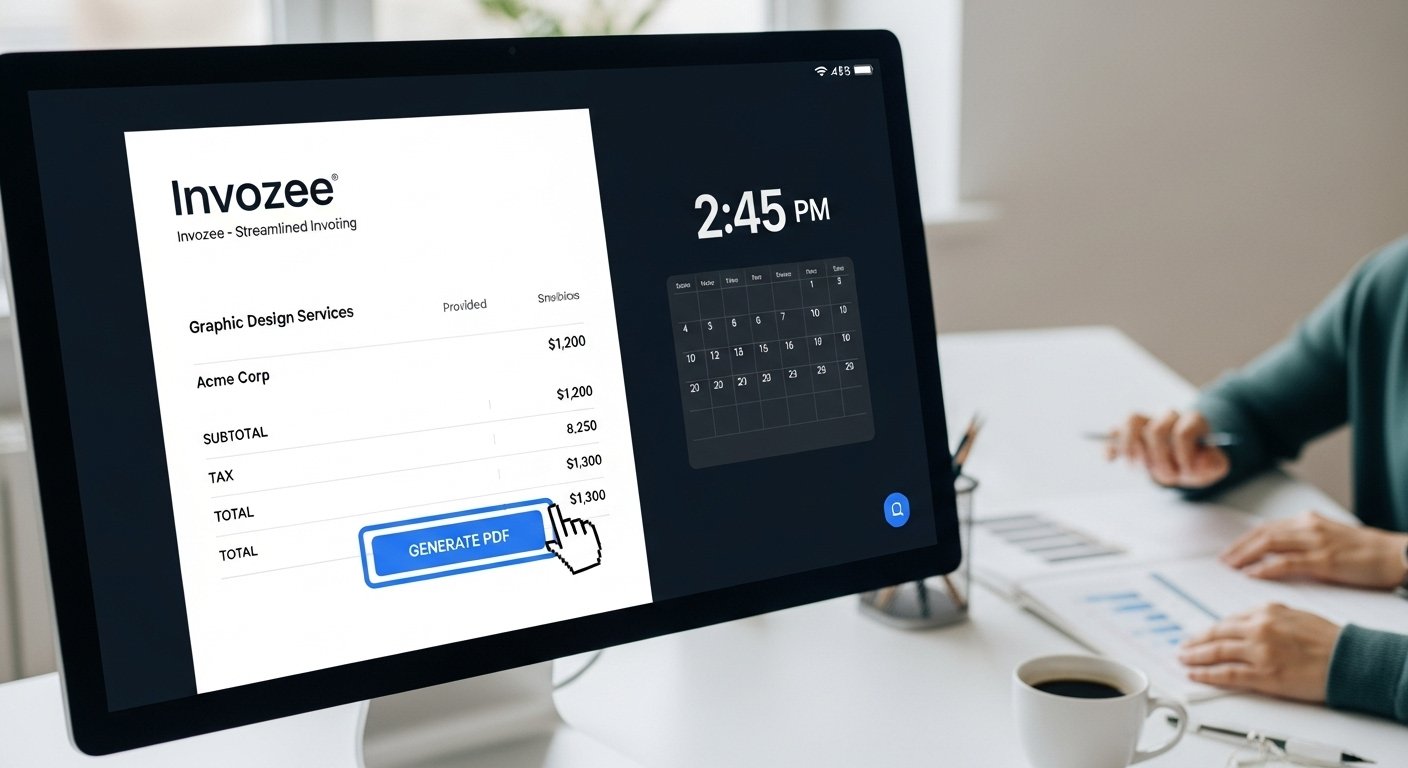
Invoicing doesn’t have to be difficult. With Invozee’s **free invoice PDF generator**, freelancers, small businesses, and agencies can quickly create professional invoices and save time. This easy-to-use tool helps reduce errors and ensures your invoices are accurate and ready for payment.
Whether you’re billing for services or products, Invozee streamlines the invoicing process, allowing you to focus on growing your business. No more worrying about manual calculations, formatting issues, or inconsistent designs. Create polished invoices that reflect your brand in just a few clicks.
What is a Free Invoice PDF Generator?
A **free invoice PDF generator** is an online tool that enables users to create professional invoices in PDF format without any hassle. With just a few simple steps, users can input their details, generate an accurate invoice, and download it as a PDF — all without needing any design or technical skills. This tool is ideal for freelancers, small businesses, and agencies who need to streamline their invoicing process while maintaining a professional appearance.
Benefits of Using a Free Invoice PDF Generator
- Simplifies invoicing: Generate invoices with just a few clicks.
- Time-saving: No more manual entry or formatting issues.
- Reduces errors: Automatically calculates totals, taxes, and discounts.
- Customizable: Add your logo, adjust fonts, and choose your currency.
- Easy to use: Intuitive interface with step-by-step instructions.
How to Use Invozee’s Free Invoice PDF Generator
- Visit Invozee.com.
- Select the invoice template that suits your needs.
- Enter your business and client details, including the items or services you're billing for.
- Preview your invoice for accuracy and click "Generate PDF."
- Download or email the invoice directly from the platform.
Checklist for Creating an Invoice
- Client information (Name, address, contact details)
- Invoice number and date
- Itemized list of services/products
- Total amount due
- Payment terms (e.g., due date, late fees)
- Payment instructions (bank details, PayPal, etc.)
Use Cases for Invozee’s Free Invoice PDF Generator
- Freelancers: Bill clients for hourly or project-based work with ease.
- Agencies: Issue invoices for multiple projects, each with detailed descriptions and pricing.
- Startups: Maintain professional invoices that scale with your business growth.
Workflow Tips for Efficient Invoicing
To keep your invoicing process smooth and consistent, here are some tips:
- Set up recurring invoice templates for regular clients.
- Use consistent invoice numbering for easy reference.
- Ensure payment terms are clear and visible on every invoice.
EEAT + NLP in Invoice Generation
Maintaining clarity and trust in your invoices is essential for building long-term client relationships. Using natural phrasing and clear instructions ensures your invoices are not only professional but also trustworthy. Invozee’s tool helps with both these elements, offering a seamless, accurate, and easy-to-read invoice.
Troubleshooting Common Invoice Issues
- Missing client information: Double-check that all client details are filled out accurately.
- Incorrect totals: Verify that all item quantities and rates are entered correctly.
- Export issues: Ensure your browser is up to date and that there are no pop-up blockers affecting the download.
Security & Privacy
Invozee ensures that all invoices are generated in-browser, which means your data is not stored on any server. Your information remains private and secure throughout the invoicing process.
Routine Building for Repeatable Invoicing
Create a consistent routine for generating invoices by using pre-set templates. Automate parts of the process to save time and ensure consistency across all your invoices.
Frequently Asked Questions
- What is the best free invoice PDF generator? Invozee offers a fast, user-friendly, and free invoice PDF generator ideal for freelancers and small businesses.
- How do I create professional invoices using Invozee? Simply enter your client details, services, and total amount, then generate the PDF in minutes.
- Can I customize the invoices with my logo? Yes, Invozee allows you to upload your logo and customize your invoices with colors and fonts.
- How does Invozee help reduce invoicing errors? By automatically calculating totals and taxes, Invozee minimizes the risk of human errors.
- How does Invozee ensure my invoices are secure? Invozee generates invoices directly in your browser, and no data is stored or uploaded to external servers.
Related Articles
- How to Create an Invoice for Freelancers
- Free Invoice Templates for 2025
- Invoice vs Receipt: What’s the Difference?
External Authoritative Links
Start Using Invozee’s Free Invoice PDF Generator Today!
Try Invozee’s free invoice PDF generator today and create professional invoices in minutes. It's free, secure, and easy to use!