
Electronic Invoice: What It Is and How to Use It Efficiently
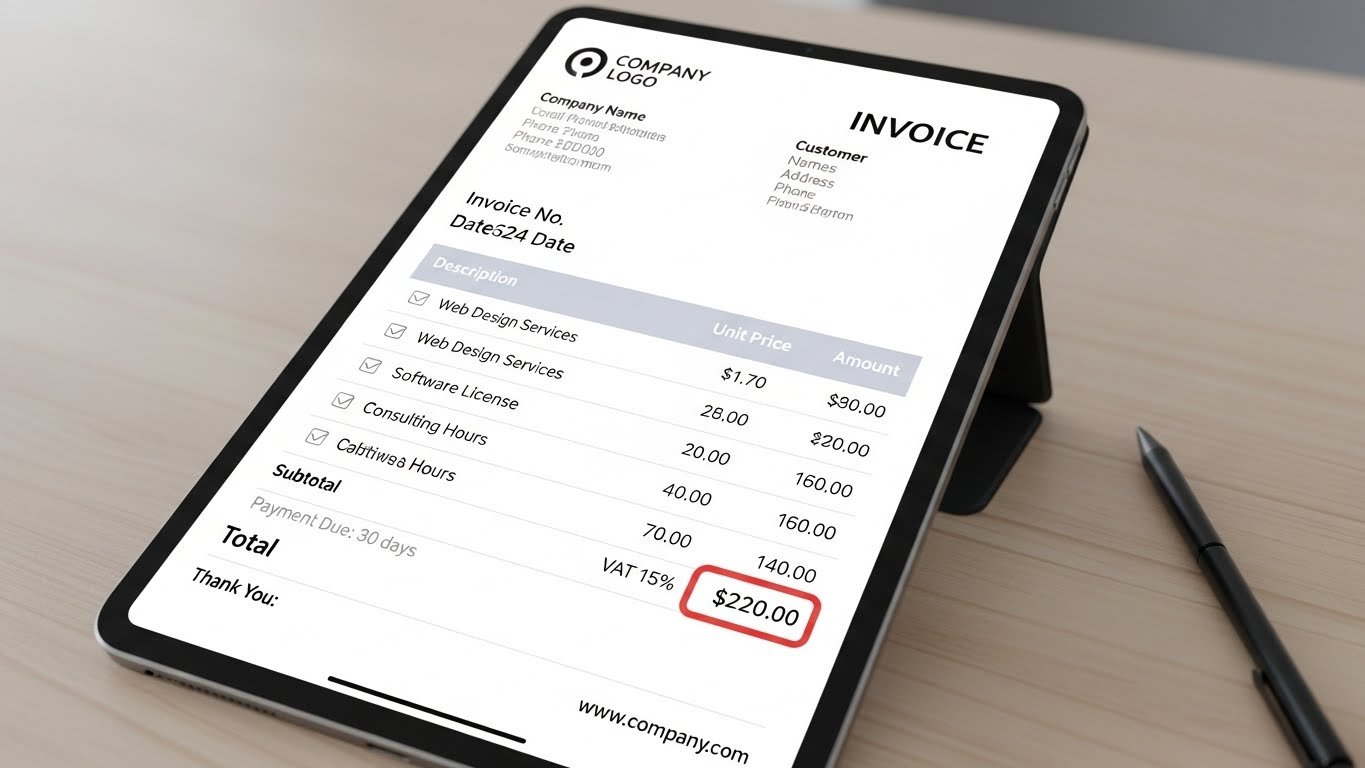
The shift from paper invoices to electronic invoices didn’t happen overnight. As businesses moved online, the need for faster, cleaner, digital-friendly invoicing grew. Today, an electronic invoice is often the default choice because it reduces friction for both the sender and the client who needs to pay it.
Whether you’re a freelancer, contractor, agency, or small business, e-invoicing is one of the easiest ways to professionalize the way you bill clients. In this guide, we’ll look at what electronic invoices are, how they work, and why tools like Invozee make the entire process far smoother.
Key takeaways
- An electronic invoice is a digital form of a traditional invoice, created and sent online.
- E-invoices reduce mistakes, speed up payment, and improve record keeping.
- Invozee allows you to send clean, professional electronic invoices with reusable templates.
- This guide is general information—not financial or tax advice. Always check your local regulations.
What is an electronic invoice?
An electronic invoice—or e-invoice—is any invoice created, shared, and stored digitally. Unlike paper or scanned invoices, e-invoices are designed for online workflows and often include structured data that makes them easier to track and process.
Benefits of electronic invoicing
Moving to e-invoicing offers advantages for both businesses and clients.
Key benefits
- Faster delivery — clients receive invoices instantly.
- Cleaner records — searchable, organised digital histories.
- Fewer errors — automated totals and consistent templates.
- Lower admin cost — no printing, scanning, or retyping.
- Better payment turnaround — clearer structure means fewer delays.
- Eco-friendly — no paper or physical storage needed.
Even the IRS and other global tax authorities encourage digital record keeping due to its accuracy and traceability. Clean electronic invoicing also makes it easier to work with accountants and auditors.
What an electronic invoice should include
The layout of an e-invoice is not very different from a traditional invoice. What changes is the delivery method—not the structure.
- Your business information
- Client details
- Invoice number & dates
- Line items with descriptions
- Taxes (if required)
- Total amount due
- Payment instructions
For inspiration, our guides on freelancer invoicing and invoice templates can help you shape your format before turning it into a reusable template.
How to send an electronic invoice
Sending an e-invoice is simple, especially if you use a dedicated tool. The general process looks like this:
- Create your invoice inside an invoicing tool.
- Choose the client and line items.
- Review totals and payment terms.
- Send the invoice by email or direct link.
- Track whether it has been viewed or paid.
You can technically create an electronic invoice in Excel or Word and export it as a PDF, but that leads to version issues, duplicate numbers, and messy storage. Invoicing software solves these problems automatically.
Sending electronic invoices with Invozee
Invozee was built to make e-invoicing effortless. Instead of wrestling with spreadsheets or manually editing PDFs, you use templates that stay consistent every time you send an invoice.
Why Invozee makes e-invoicing easier
- Reusable templates for your services
- Automatic invoice numbering
- Clear payment tracking
- Clean PDF and online invoice formats
- Organised history of paid and overdue invoices
Send your first electronic invoice in minutes
Build clean, professional electronic invoices using Invozee. Stay organised, get paid faster, and reduce the admin work in your week.