
Contractor Invoicing Software: Get Paid Faster With Less Admin
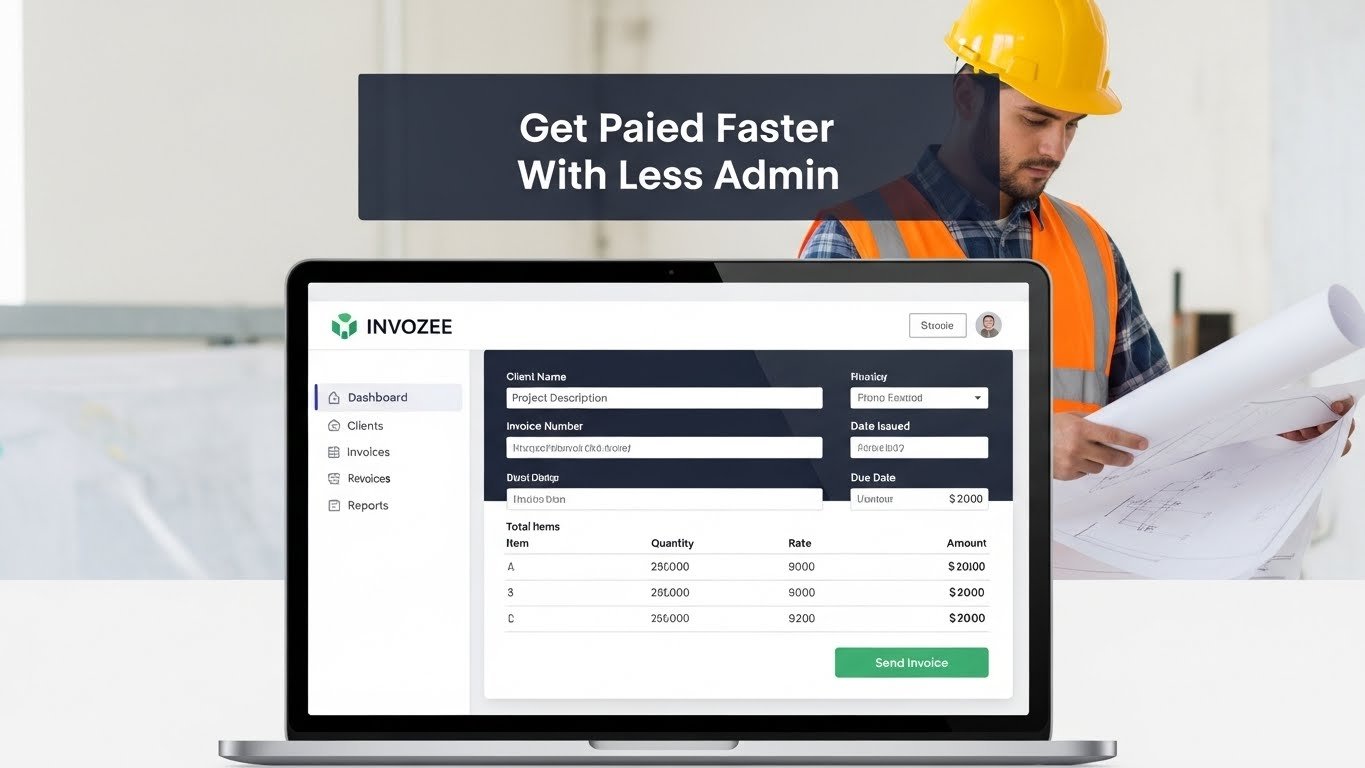
When you work as a contractor, every hour you spend fixing invoice numbers or tracking who still owes you money is an hour you are not on site, not designing, and not delivering work. That is why more contractors are looking for simple, focused contractor invoicing software that keeps billing clean without feeling complicated.
The goal is not a flashy dashboard. The goal is a system that turns completed work into clear invoices, sends them to the right person, and helps you follow up without digging through old files and message threads.
Key takeaways
- Good contractor invoicing software gives you templates, automatic numbering, and clear status tracking for every invoice.
- Clean invoices are easier for clients to approve, which usually means you get paid faster and with fewer questions.
- Invozee lets you build reusable templates for repeat work instead of rebuilding your invoice layout every time.
- This article shares workflow ideas and is not financial or tax advice. Always check local regulations or speak to a professional if you are unsure.
Why contractors outgrow spreadsheet invoices
Most contractors do not start with software. They start with a simple invoice in Excel or Word, maybe borrowed from a friend or downloaded from a template site. It works for the first few jobs. Then the work picks up, jobs overlap, and the cracks start to show.
You copy old invoices to build new ones and suddenly find an old client name in the footer. You try to keep a neat invoice format in Excel but one misplaced edit breaks the total. You need to show which invoices are still unpaid and end up scrolling through email history instead of looking at a clear list.
Spreadsheets are great for early experiments. They are less useful when you need a reliable system that can handle dozens of clients, variations in work, and different payment terms. That is where contractor invoicing software starts to make sense.
Must have features in contractor invoicing software
There are many tools on the market, and they can all start to sound the same. To keep things practical, it helps to focus on a few features that really matter to contractors.
Core features to look for
- Reusable templates for common job types, so you do not rebuild line items from scratch.
- Automatic invoice numbering that follows a pattern and avoids duplicates.
- Client profiles that store contact details, sites, and notes in a central place.
- Clear status tracking that shows sent, paid, and overdue invoices at a glance.
- Tax handling based on your region, so rates and labels stay consistent.
- Professional PDF or online invoices that clients can easily read and save.
If you invoice as a freelance contractor, some of the same principles that apply to invoicing for freelancers will also help here. The key is to keep your layout clear, your numbering consistent, and your records easy to search.
Extra features that make life easier
Once the basics are covered, small touches can make a big difference. For example:
- A way to duplicate an old invoice for a repeat job without risking mistakes.
- Support for deposits and staged payments on longer projects.
- Simple reporting, even if it is just a monthly view of sent and paid invoices.
- Reminders for overdue invoices so you do not have to send every follow up manually.
Guides on better invoicing habits, such as those published by HubSpot, often come back to the same idea. Make it easy for the person paying you to understand what they are looking at and what they need to do next.
How to set up contractor invoice templates
Whether you work with spreadsheets or software, a good contractor invoice template saves a lot of time. Instead of starting with a blank page, you begin with a layout that already knows how your jobs are structured.
Start with one clean layout
Think about your most common type of job. It might be a fixed price project, an hourly engagement, or a materials plus labour setup. Build a template just for that pattern and get it right before you create variations.
If you are not sure how to shape the structure, you can borrow ideas from more general resources like our free invoice templates for 2025. Then adjust the wording and fields to match the way contractors describe their work.
Include the right sections for contractors
Most contractor invoice templates include the following sections.
- Header with your logo, business name, and contact details.
- Invoice information including number, date, and due date.
- Client details with contact person and job site if relevant.
- Line items for labour, materials, equipment hire, and other charges.
- Totals including taxes, discounts, and final amount due.
- Payment details such as bank account, payment link, or reference number.
- Simple notes for variations or specific agreements tied to the job.
Make templates reusable instead of fragile
A template only works if you can reuse it safely. That means being intentional about which fields are fixed and which fields change from invoice to invoice. Your logo, business details, default terms, and layout should stay fixed. Client details, dates, line items, and totals should be the only parts you touch each time.
Keeping clients happy with clear invoices
A good invoice is not only accurate. It is easy to approve. The person on the other side may be a site manager who just wants to match your invoice to a quote, or an accounts clerk who has never met you in person. Either way, clarity helps.
Use familiar language
When possible, describe work in the same language you used in your quote or contract. That way, your client can quickly confirm that the invoice matches what was agreed. Long, vague descriptions often create more questions than answers.
Show how the numbers add up
Break out labour and materials instead of rolling everything into one line if that is how your clients expect to see it. If you invoice based on time, state the rate and number of hours clearly so the calculation is obvious.
Highlight the due date and total
Your total and due date should not be hard to find. A slightly larger font or bold label is enough. There is no need for loud colours. A calm, consistent layout often feels more professional than an invoice that tries to grab attention.
If you are still learning the difference between documents in your billing process, our invoice versus receipt guide is a helpful companion to this article. It explains where invoices fit in the overall payment flow.
How Invozee fits into your contractor workflow
Invozee is built for people who want invoicing to feel straightforward. As a contractor, you should not have to choose between a complex, all in one system and a folder full of fragile spreadsheets. You deserve something in the middle that respects the way you already work.
Turn your favourite layout into a one click template
Once you have an invoice structure you trust, Invozee lets you turn it into a template. Add your logo, standard line items, and usual terms once. Then use that template every time you finish a job. You can still adjust descriptions and quantities, but the heavy lifting is done.
Keep a clean history of jobs and payments
Instead of checking multiple spreadsheets, you can open Invozee and see which invoices are sent, which are paid, and which are overdue. That makes it easier to have informed conversations with clients and with your accountant at tax time.
Grow from solo work to small team
Many contractors start solo and gradually build a small team. As responsibilities spread, having a consistent invoicing system matters even more. Invozee helps you keep the same look and feel across every invoice, so your brand stays professional as the business grows.
Let your contractor invoices run on autopilot
You know how to deliver the work. Invozee helps you turn that work into clear invoices, send them in a few clicks, and track payments without spreadsheets. Build your contractor templates once and reuse them on every job.